
How to Listen to Documents Android
VoxLibro Admin
· 5 min read

Long reports and contracts pile up fast, and reading every page on a screen is not always realistic. Learning how to listen to documents android supports can turn a commute, a workout, or a walk into real work time. This guide covers the main ways to do it, and when each one fits your day best.
Listen to Documents Android Style: Why Professionals Are Switching
Desk time is limited, but reading backlogs never seem to shrink. When you listen to documents android style, you free up your eyes while your ears do the work. Research from the Pew Research Center looked at multitasking and media use. It found that audio content has grown steadily as a way to consume information during commutes and other in-between moments. For example, a manager can get through a long report during a drive. That's time otherwise spent blocking out an hour at a desk. As a result, listening turns dead time into review time you'd otherwise lose entirely.
Method 1: Use a Dedicated Audio Reading App
The most flexible way to listen to long documents is an audio reading app android built for this exact purpose. You paste or type your text, and the app reads it back at your chosen speed.
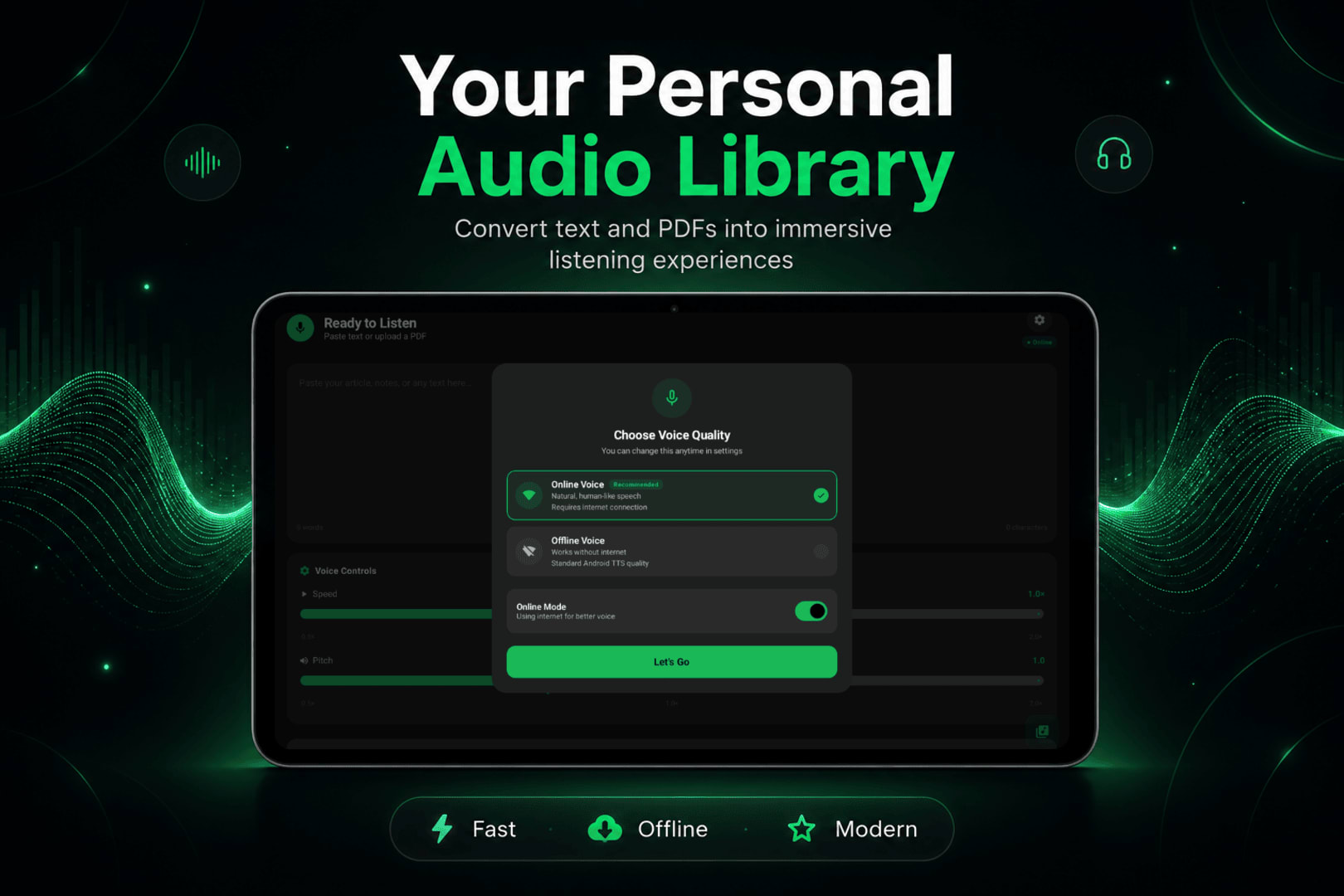
VoxLibro, for example, is one option built around this workflow. It includes:
- Offline speech support, so a weak signal won't interrupt playback
- Adjustable speech speed for dense or light material
- Voice preview before you commit to a voice
- Clipboard detection, so copied text is ready to convert instantly
Good for: Reports, emails, meeting notes, or any text you can copy and paste.
Limitation: Works best with copied or typed text, rather than opening a full file directly.
Method 2: Listen to PDFs Directly
Many work documents arrive as PDFs, not plain text. Learning how to read PDFs aloud on Android covers a few different routes for this. This includes built-in reader tools and OCR for scanned files.
When PDFs Won't Read Aloud
Scanned contracts and old faxed documents often fail to read at all. This happens because they are really just images of text, not selectable text. Running the file through OCR first solves this, since it converts the image into real, readable text.
Good for: Contracts, scanned forms, and older archived documents.
Limitation: Full OCR sometimes sits behind a paid tier in certain apps.
Method 3: Android's Built-In Select to Speak
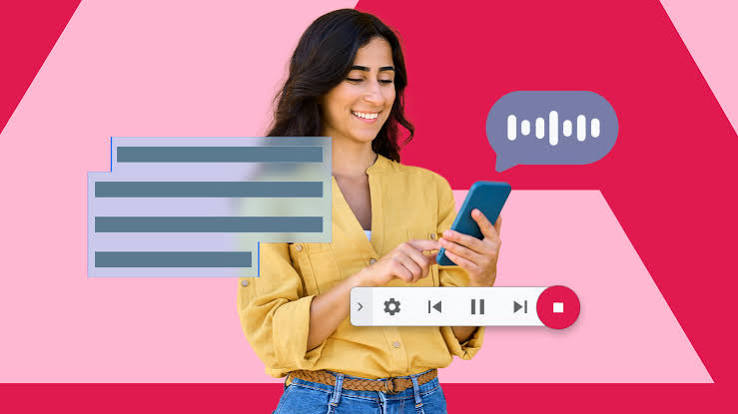
Android also includes a system tool called Select to Speak. You'll find it under Settings, then Accessibility. Turn it on, then tap any visible text on your screen to hear it read aloud instantly.
Good for: A quick read of a short passage without switching apps.
Limitation: It only reads what's currently on screen. Long documents mean repeated taps as you scroll.
Choosing the Right Method for Your Document
Your best choice depends on the document type and how long it is. For example, a short email or a set of meeting notes works well with a text to speech for professionals app like VoxLibro. In contrast, a long scanned contract needs OCR first before anything can read it. If you just need a quick passage read aloud, Select to Speak covers it without extra steps.
Building a Listening Habit Into Your Workday
Converting a document is only half the job. The other half is building a habit around it. Pick one time of day to listen, such as your commute or a walk during lunch. Then treat that slot the same way you'd treat a meeting on your calendar. Over time, this hands-free document reading habit adds up to real hours saved each week.
Once you get comfortable with the basics, you can also convert documents to audio ahead of time. That way, you can queue up a full week of reading in one sitting.
If you want a broader look at combining audio reading with other tools, this guide to the best free text-to-speech apps for Android compares several popular options side by side.
Frequently Asked Questions
How do I listen to documents on Android?
You can use a text-to-speech app, a PDF reader with a built-in read-aloud feature, or Android's Select to Speak tool. Which one fits depends on the document type and its length.
Can I listen to long documents without an internet connection?
Yes, as long as your app supports offline playback. VoxLibro, for example, converts and plays text without needing a signal.
Is listening to documents actually effective for work reading?
Yes, especially for review and repetition. It works well for reports, contracts, and long articles. Highly visual documents like spreadsheets are still better read on screen.
Conclusion
Learning to listen to documents android supports doesn't require special equipment or a big change to your routine. Pick an audio reading app for typed or pasted content. Use a PDF reader's read-aloud feature or OCR for scanned files. Fall back on Select to Speak for a quick passage here and there. Once you build a consistent slot for it, listening to long documents becomes one of the easiest ways to reclaim time in a busy workday.